 GoodNotes
 Noteful
 Starnote
 Samsung Notes
Every area of your life
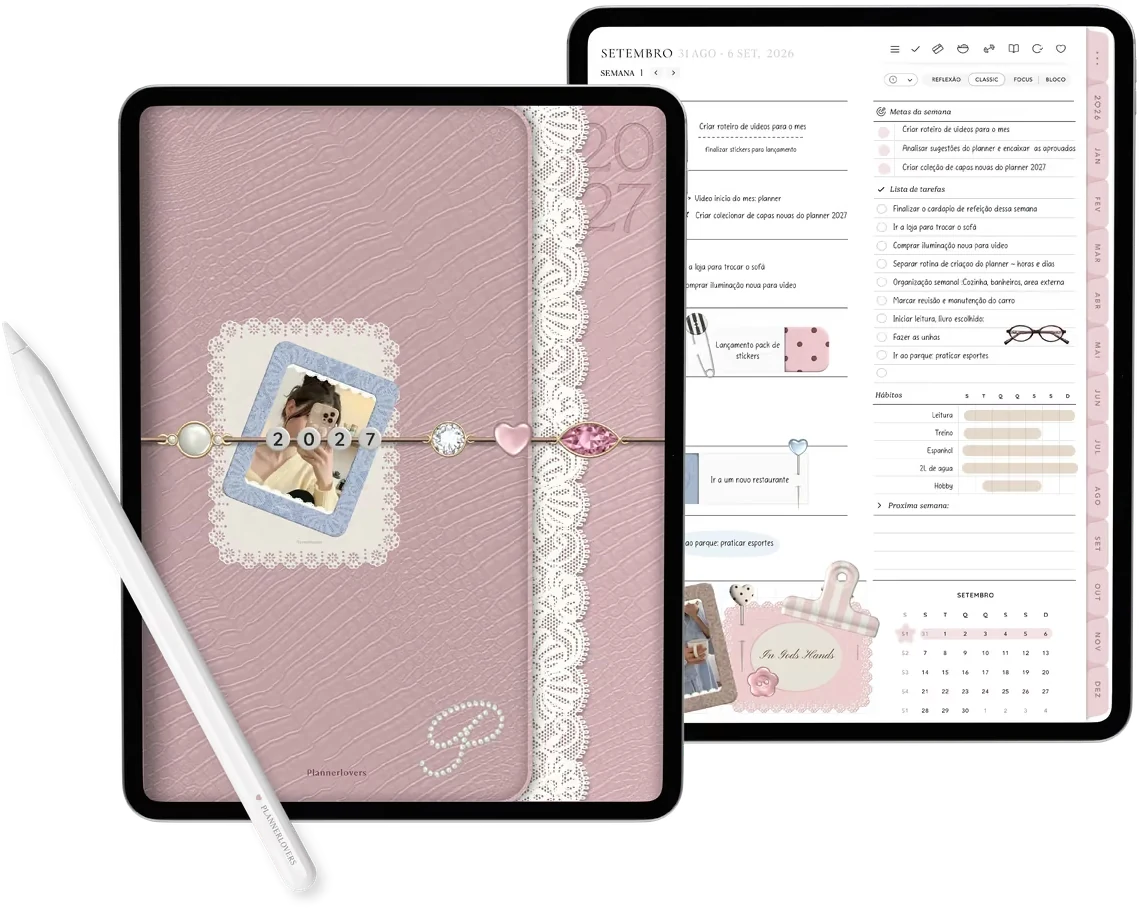
has a tab of its ownYearly, monthly, weekly and daily planner, with a tab for each area of your life.

Your whole year, from dream to day-to-day
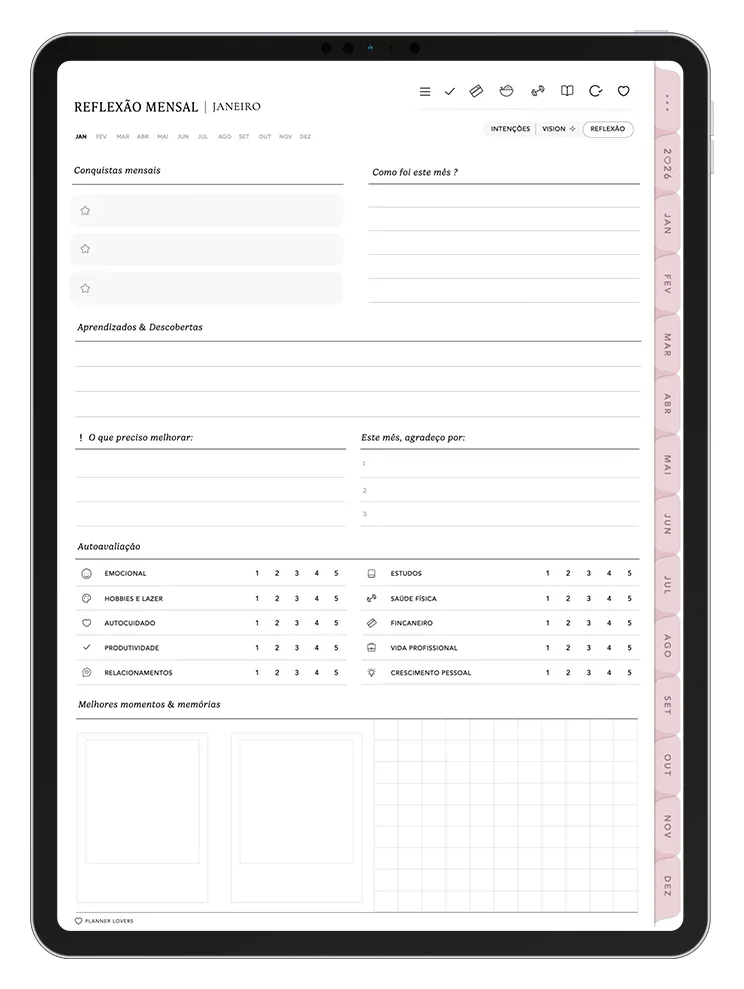
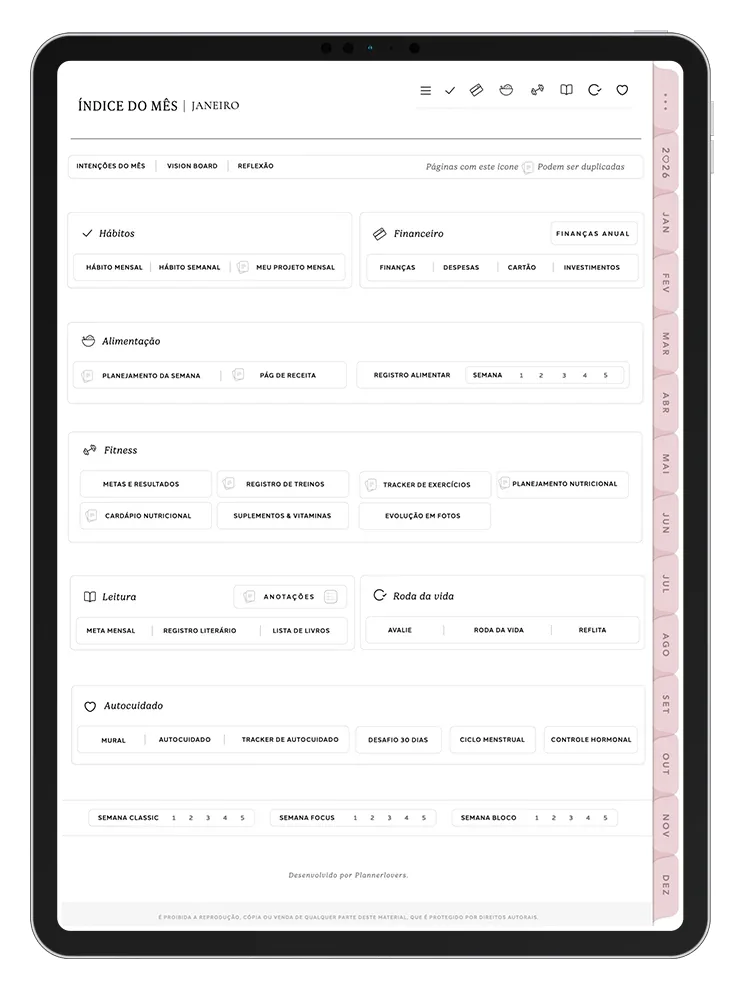
Start each month with intentions and a vision board, turn them into goals, and organize your week and day without losing your way.

Small habits, big changes
Choose what you want to grow and watch your progress show up, day after day. Seeing your streak grow is what keeps you going.

Eating well is easy when it's planned
Build your weekly menu, save your favorite recipes and log your meals to understand your eating routine.

Workouts, body and nutrition in one place
Set your goal, log every workout and follow your progress with measurements and photos throughout the year.

A page for every day of the year
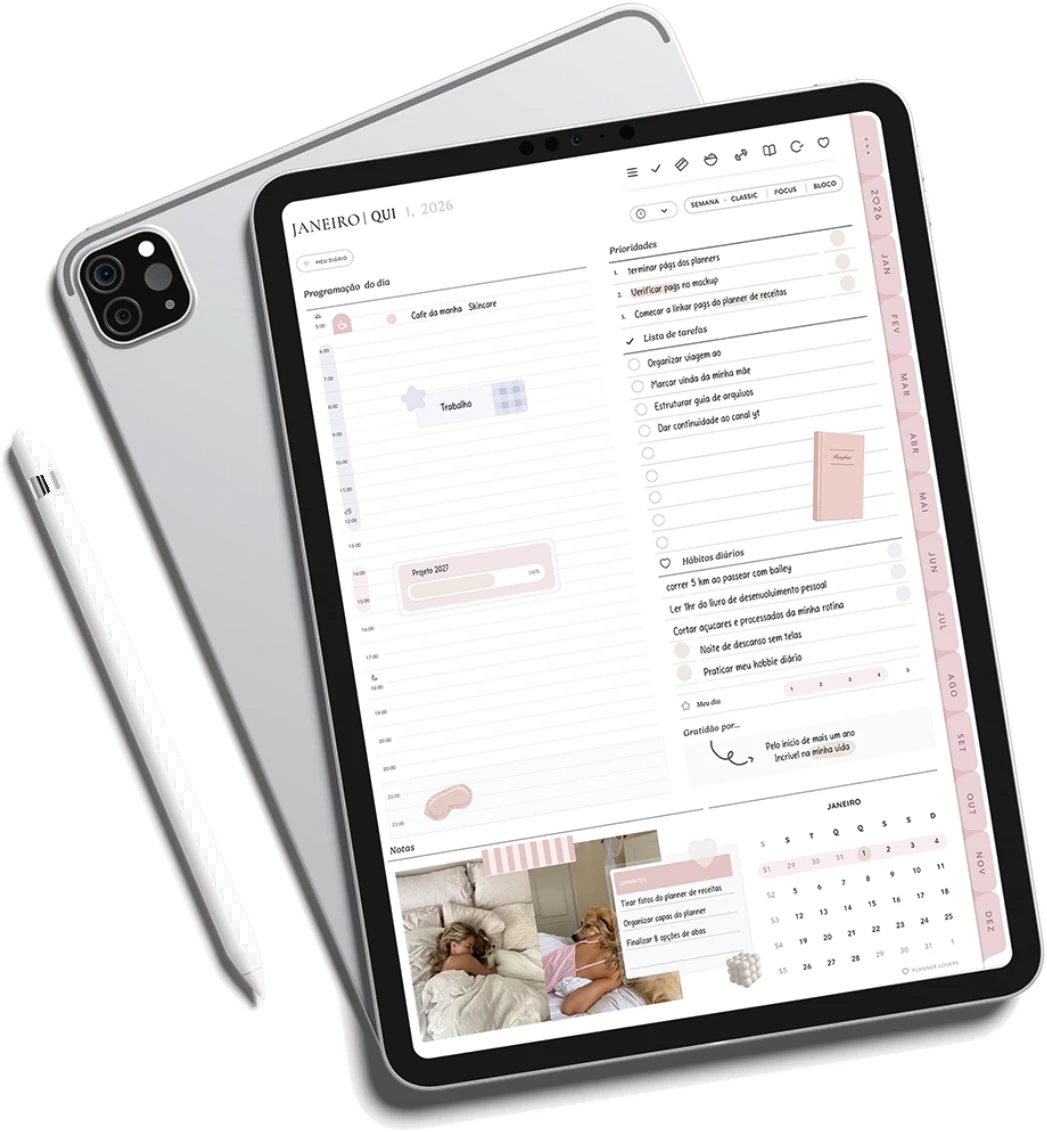
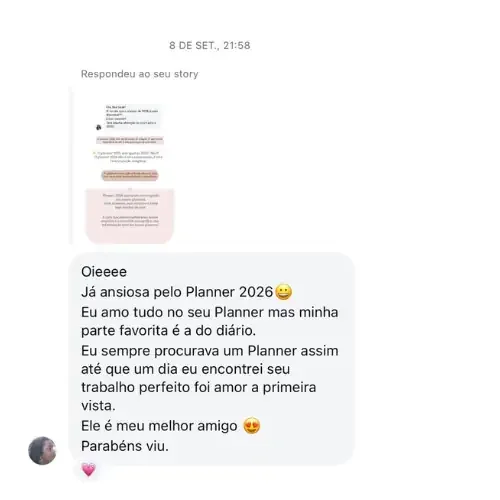
The page our customers love most. On one side, the day's agenda; on the other, a free page to give thanks, keep memories and ease your mind.

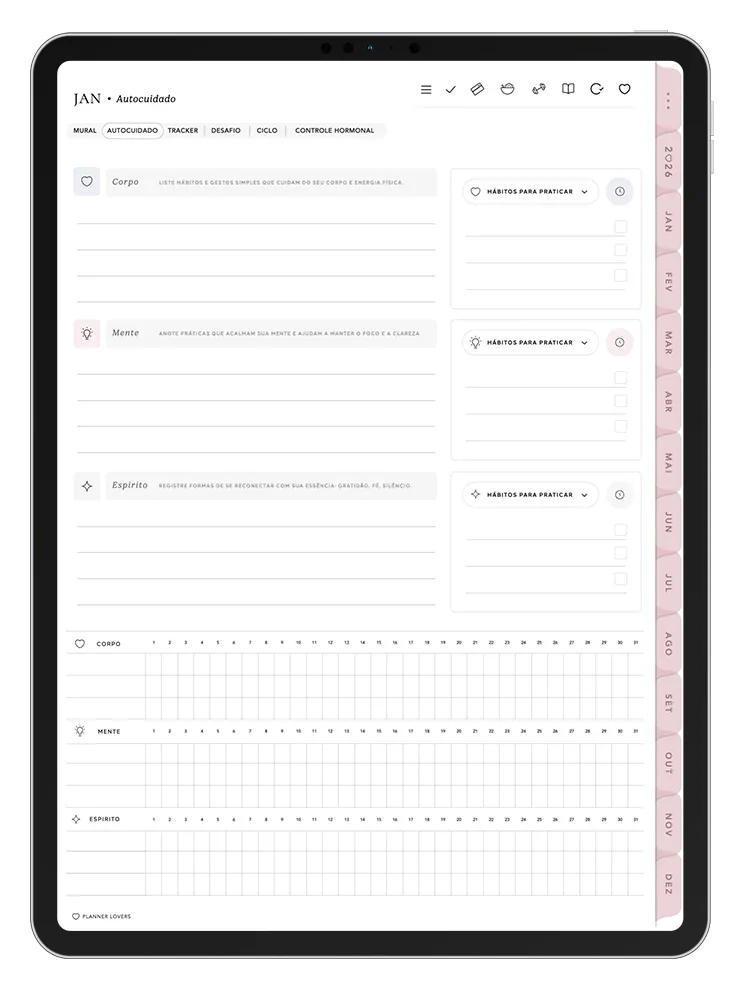
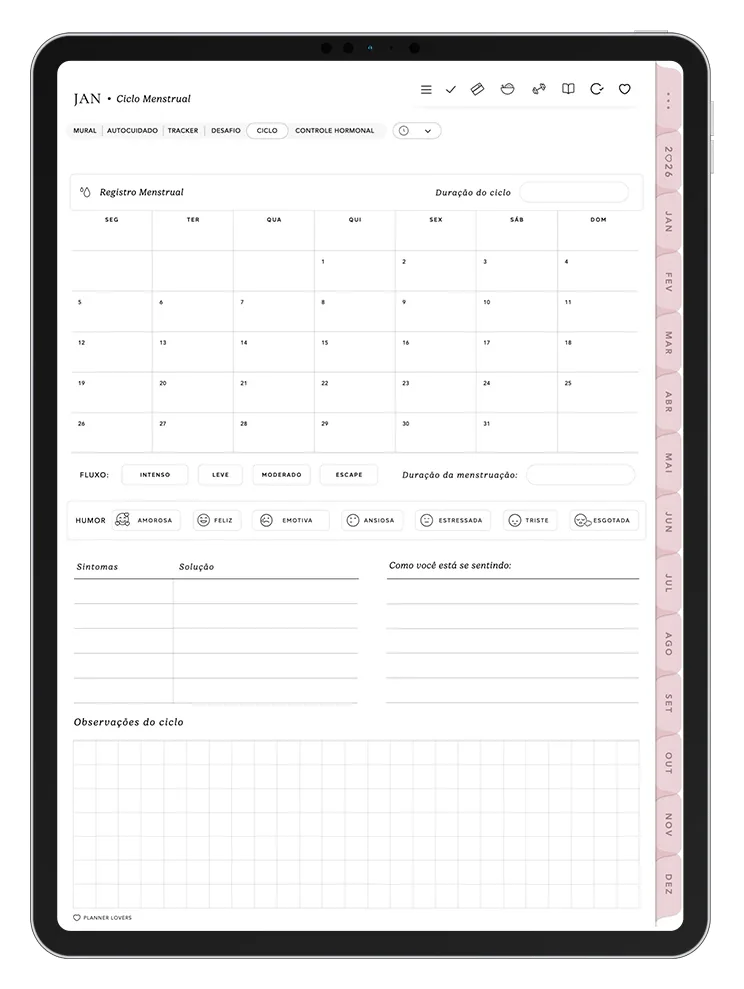
Taking care of you: body, mind and spirit
More guided in 2027. Create your self-care ritual, track what makes you feel good and use the new Mind tab on the days your head needs a pause.

Read more and remember what you read
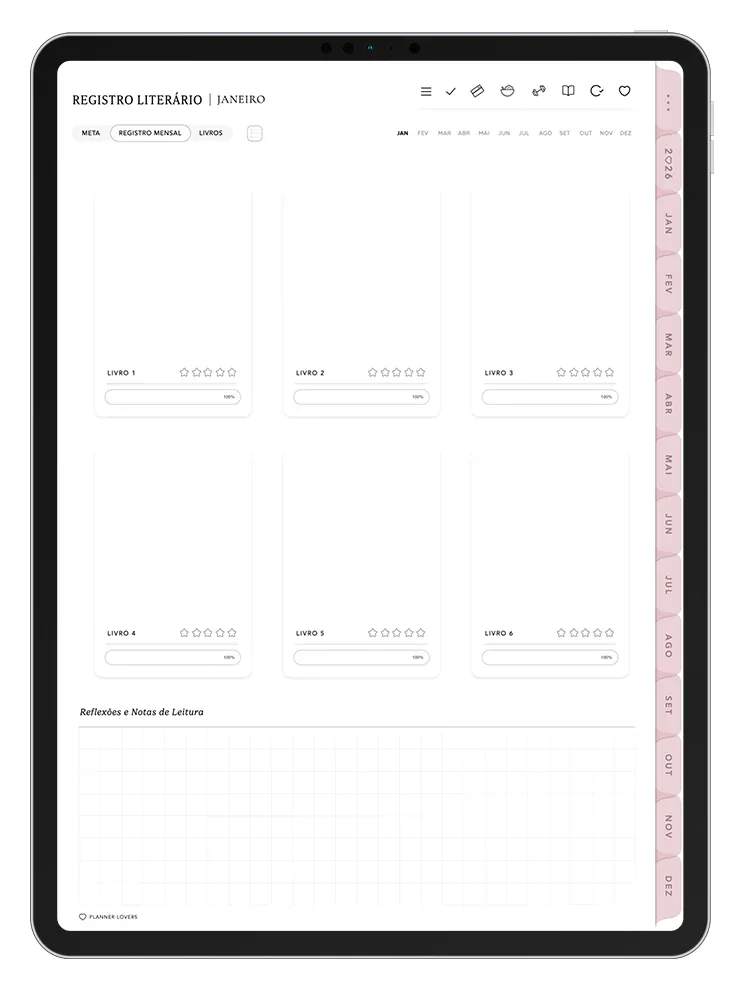
Set the month's goal, track each book's progress and keep what stayed with you from every read.

Know where every dollar goes
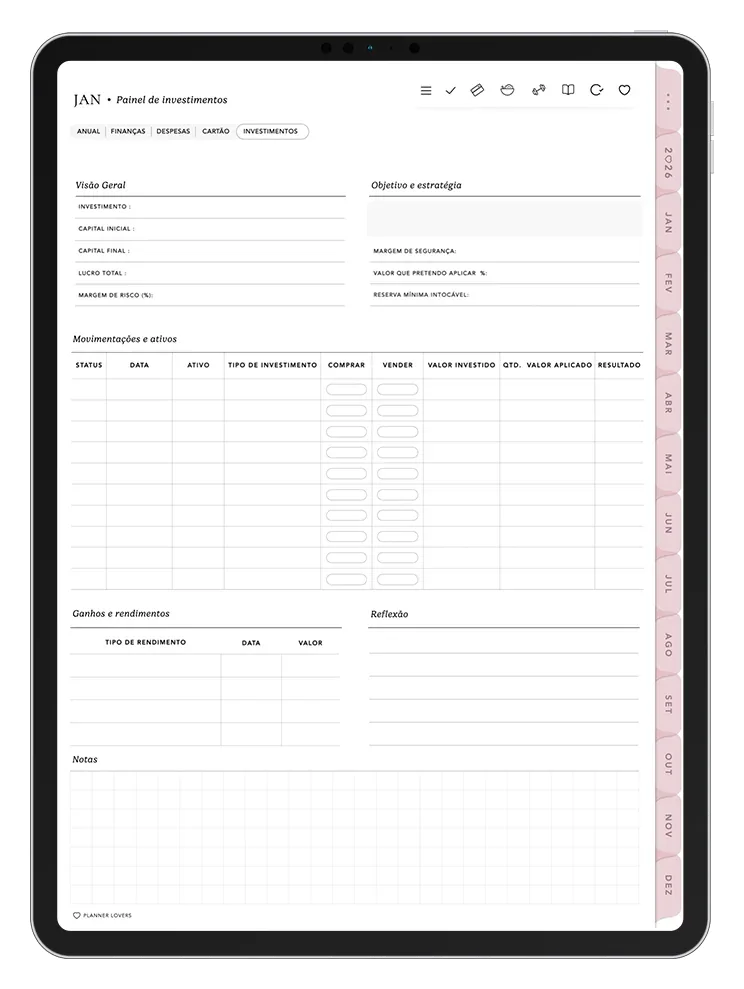
From the yearly dashboard to the month's bills: income, fixed and variable expenses, credit card and investments, all at a glance.
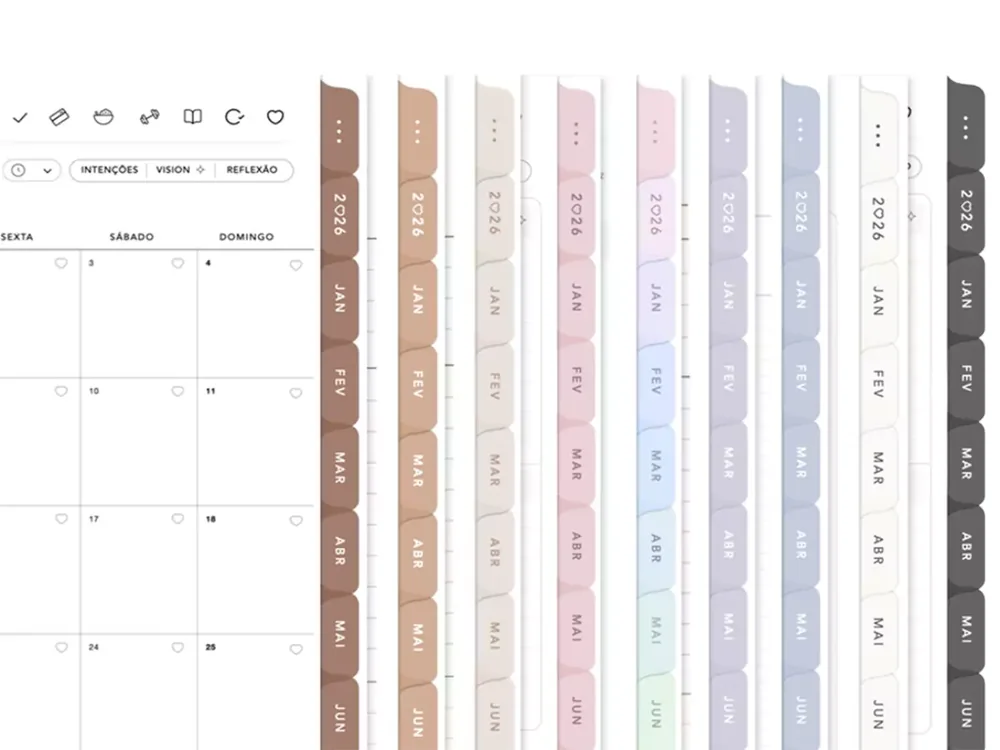
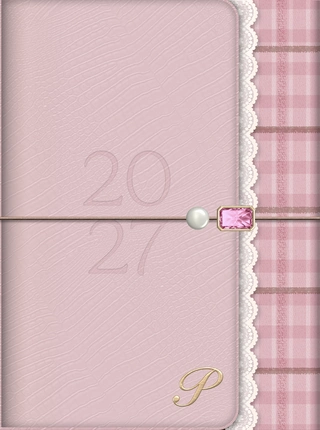

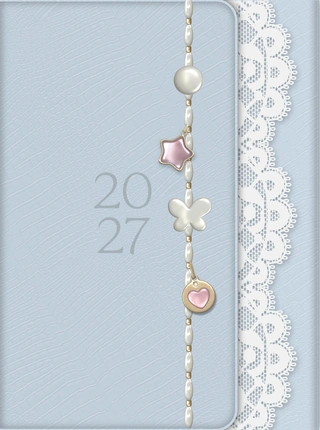
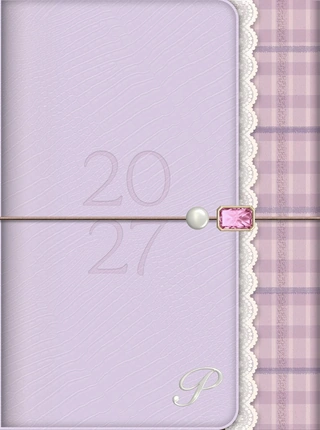
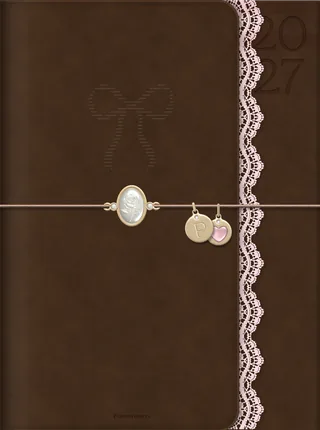
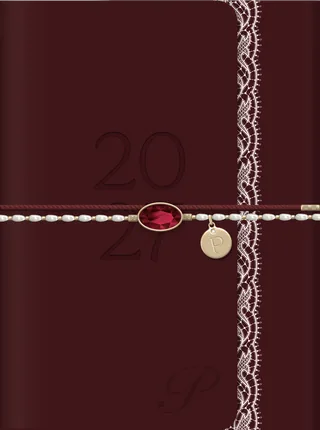
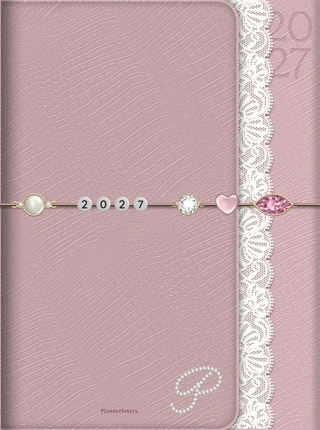
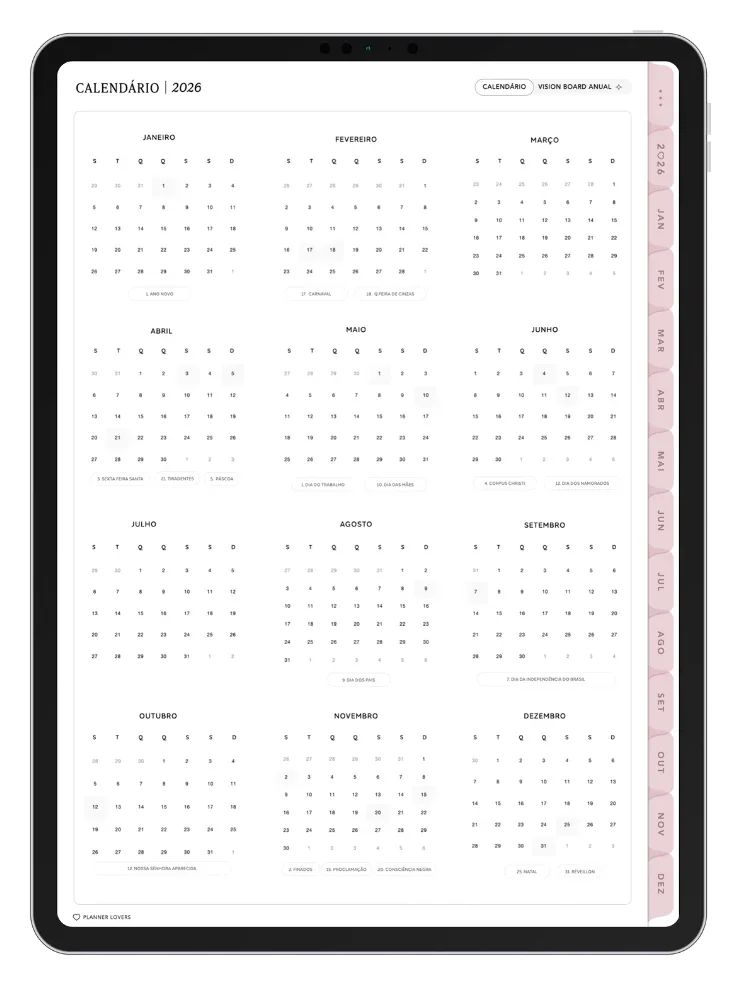
Browse through your year
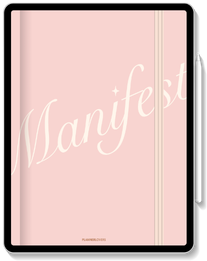
page by pageMuch more than a PDF: over 1,500 pages linked by tabs and hyperlinks. One tap takes you to any month, week or section.
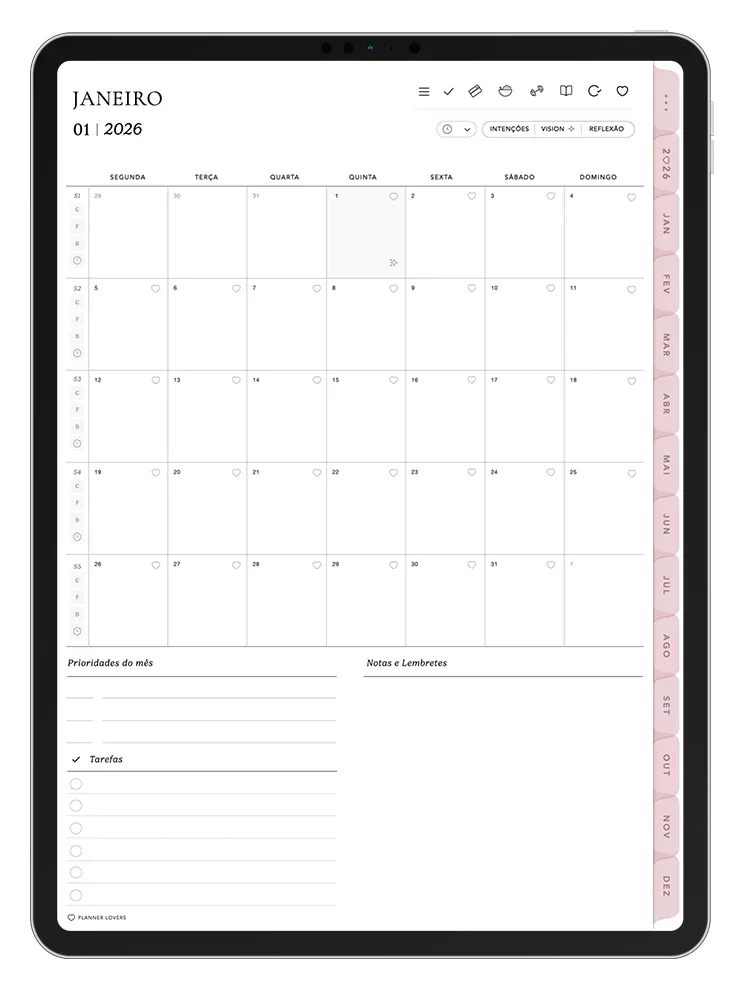
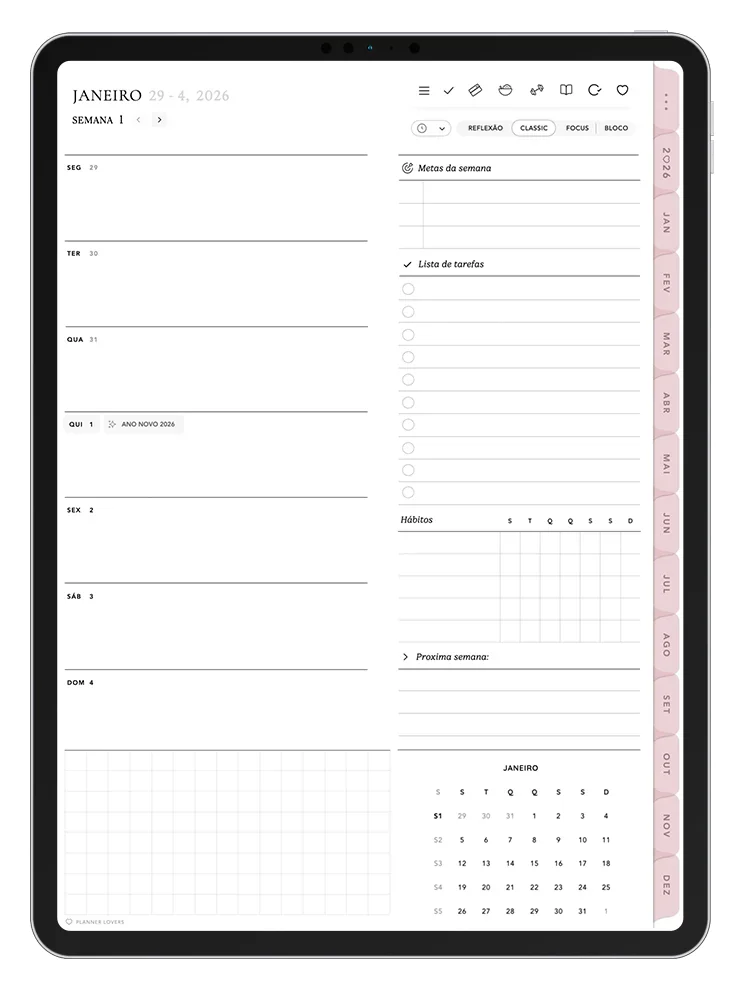
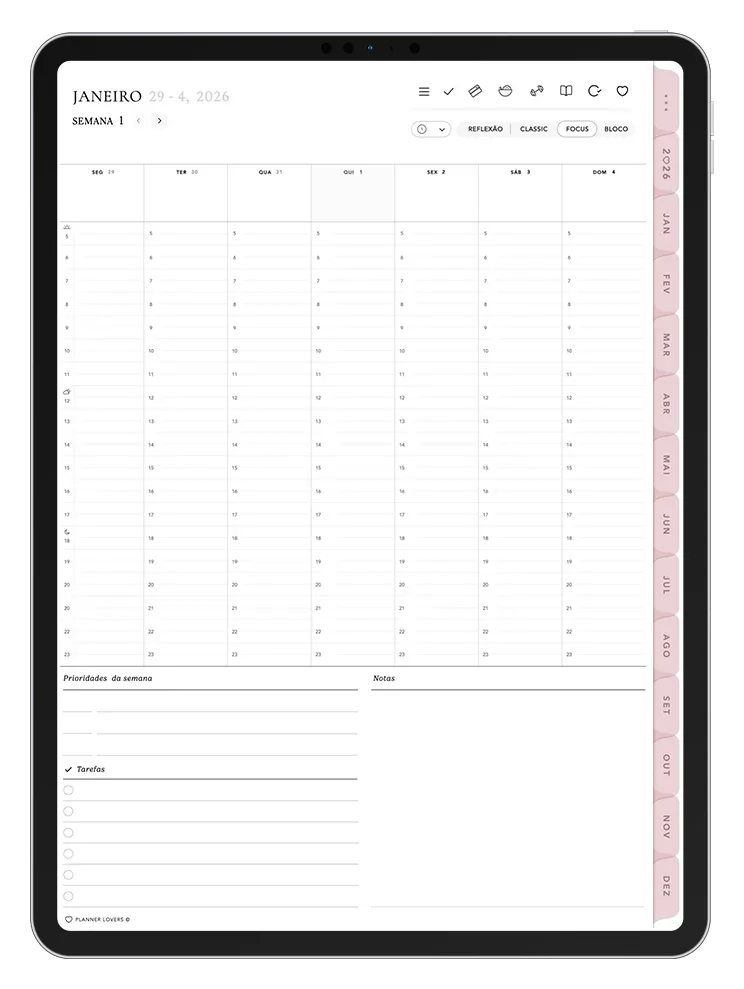
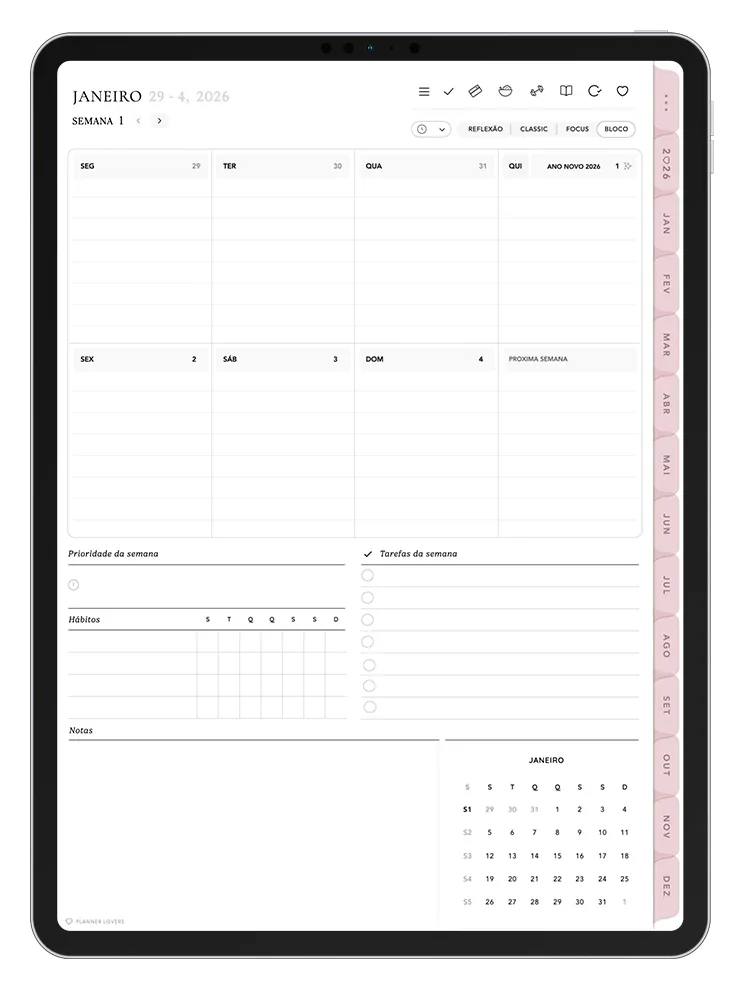
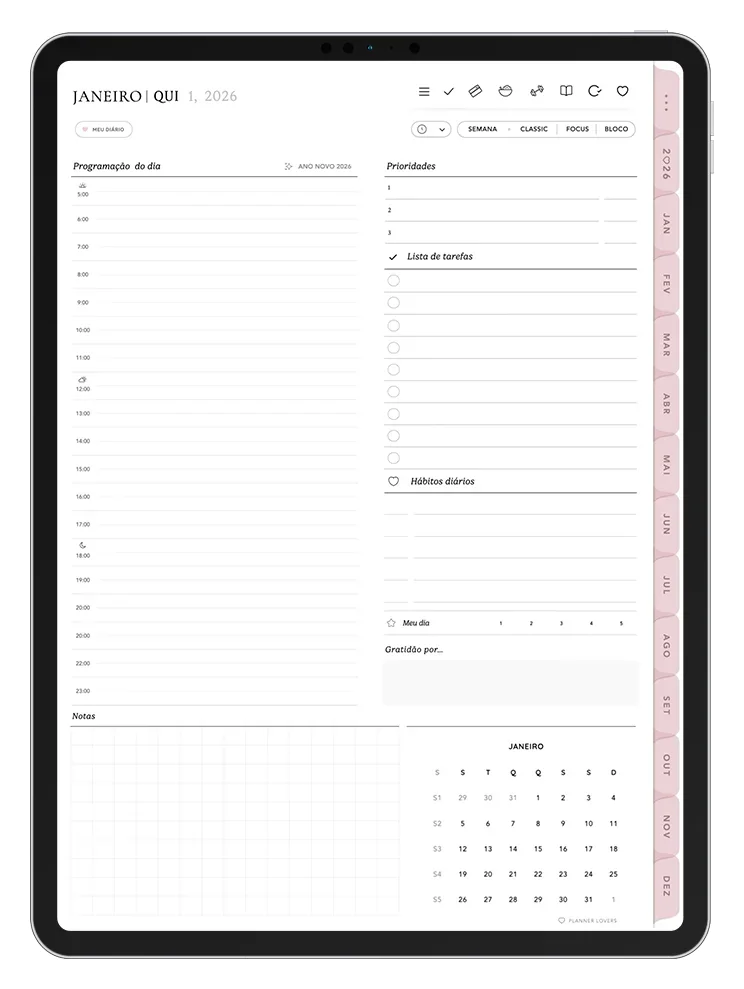
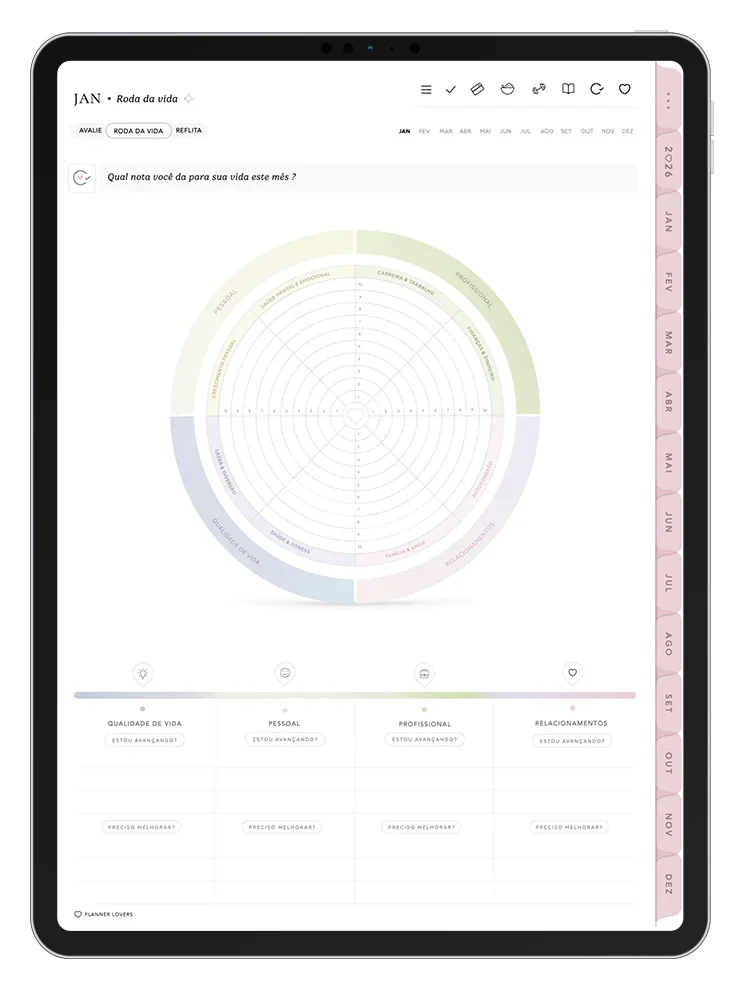
Swipe or use the arrows to flip through ←→
Why is the PlannerLovers Digital Planner
unique and different from other planners?You've probably seen other Digital Planners out there, and many even try to copy us, but one like Planner Lovers you've surely never seen!
 ONE OF A KIND
A one-of-a-kind, exclusive Planner
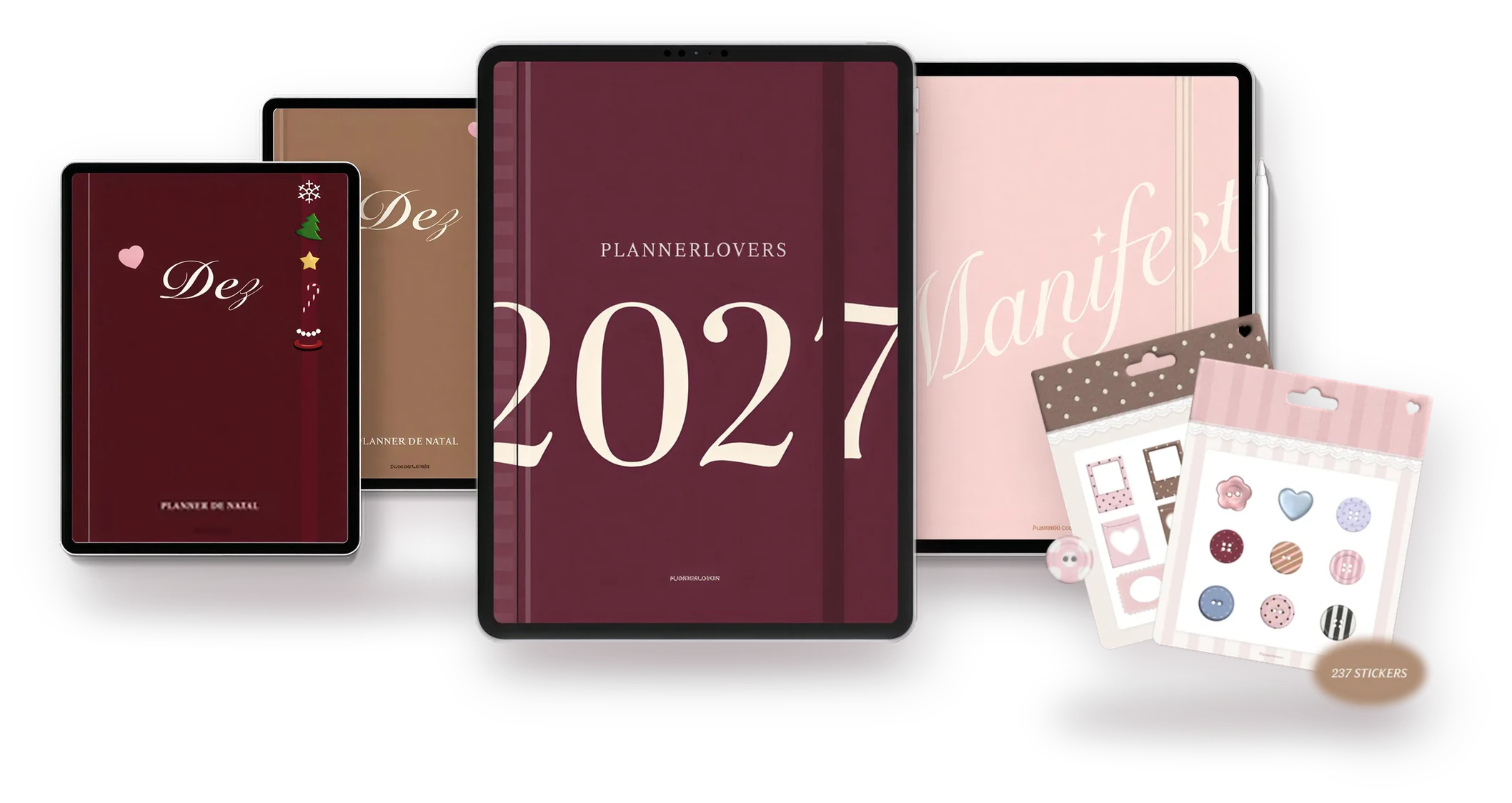
Clean, sophisticated and cozy design that conveys beauty and harmony on every page.
 MADE BY A DESIGNER
Developed by a designer and a professional team
Using advanced techniques and software. Our planner has an intuitive layout with a focus on productivity.
 MADE WITH THOSE WHO USE IT
Built with our customers
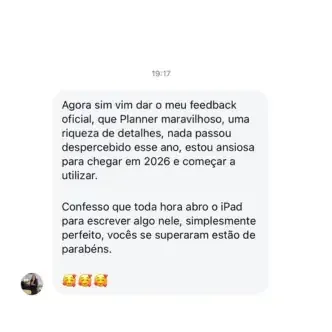
Pages and sections developed from the feedback and suggestions we constantly receive from our customers, based on real routines.
TRULY COMPLETE
A Complete Digital Planner
To take care of every area of your life in one single place.
And no monthly fee: you pay once and the planner is yours forever.











From payment to your first page
Easy to use, even if you're just starting out.

Get yours
After payment, you get access to the Members Area.

Download the file
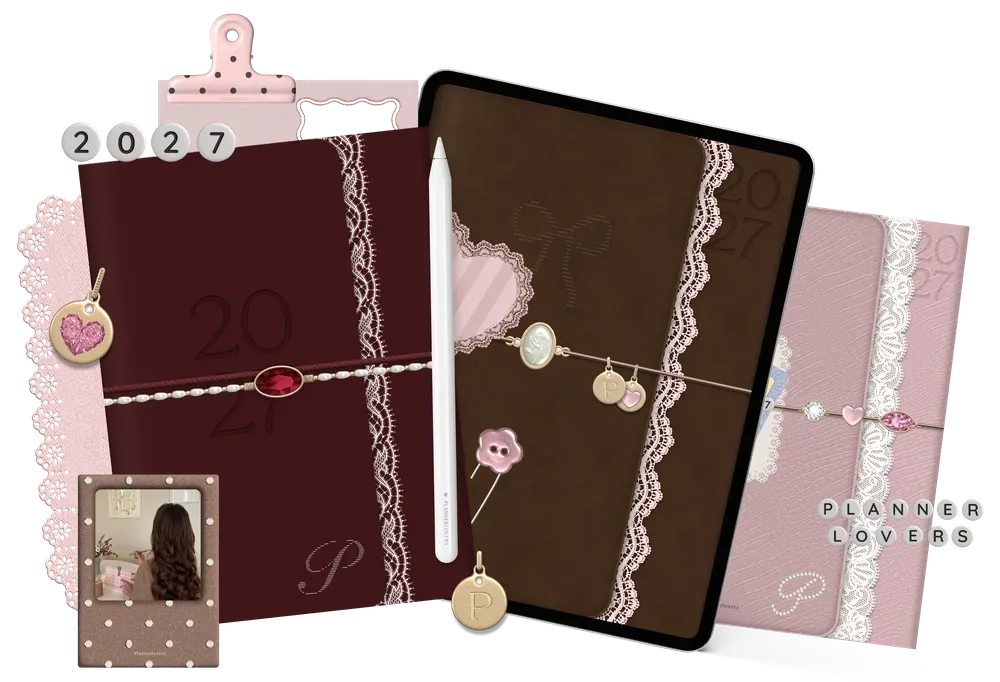
Choose your color version and import it into your note-taking app.

Browse the tabs
Hyperlinks take you to any month, week or section.

Write and personalize
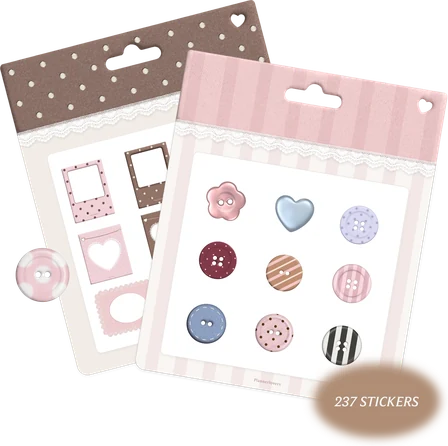
Plan with your pen and decorate with stickers.
It's a 100% digital product. You need a tablet with a pen and a note-taking app: GoodNotes or Noteful on iPad, Starnote or Samsung Notes on Android.
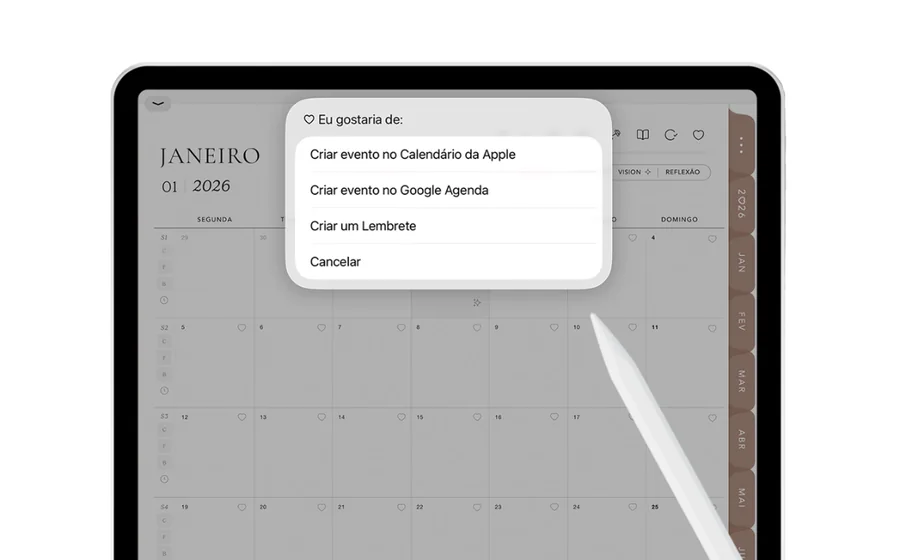
 Shortcuts
 Calendar
 Reminders
 Google Calendar

 Card or PayPal · secure payment
Zero risk for you
If you don't love your planner, just delete the files and send an email to support@plannerlovers.com within 7 days. We refund 100% of your money.
Frequently asked questions
Will I receive a physical product?
No. All products are digital: you receive the files to use on your tablet.
What is a digital planner?
An interactive PDF with tabs and hyperlinks that you use in a note-taking app, writing with your pen.
Which tablets work?
iPads and Android tablets with a pen. It opens on a phone and on a computer, but we recommend using it on a tablet.
Do I need any app?
Yes. On iPad, GoodNotes (paid) or Noteful (free). On Android, Starnote, or Samsung Notes with more limited use.
How do I get access?
After payment is confirmed, you receive an email with the link to the Members Area. There you download the file to your tablet and watch the videos with usage tips.
Can I use it on more than one device?
Yes. The file is yours and can be imported on your devices. Members Area access is personal and, for security, multiple access link requests at the same time may be temporarily blocked.
Does it work with the iPad calendar?
Yes, with the Shortcuts app you create events and reminders without leaving the planner. They aren't saved automatically on the pages. On Android, the planner has a direct shortcut to Google Calendar.
What if I don't like it?
You have a 7-day guarantee. Just delete the files and write to support@plannerlovers.com confirming the deletion.
Any other questions? Talk to us at support@plannerlovers.com